The encounter
An empty street. A familiar figure in the distance. Open with enough space between the characters for the audience to feel the uncertainty.
A love story at the end of the world
Two faces. One impossible reunion. Plan your zombie couple video, from a cold encounter and a gentle embrace to a memory worth holding on to.
Video generation is currently available to administrators for testing. You can prepare and copy a prompt. Administrator sign in
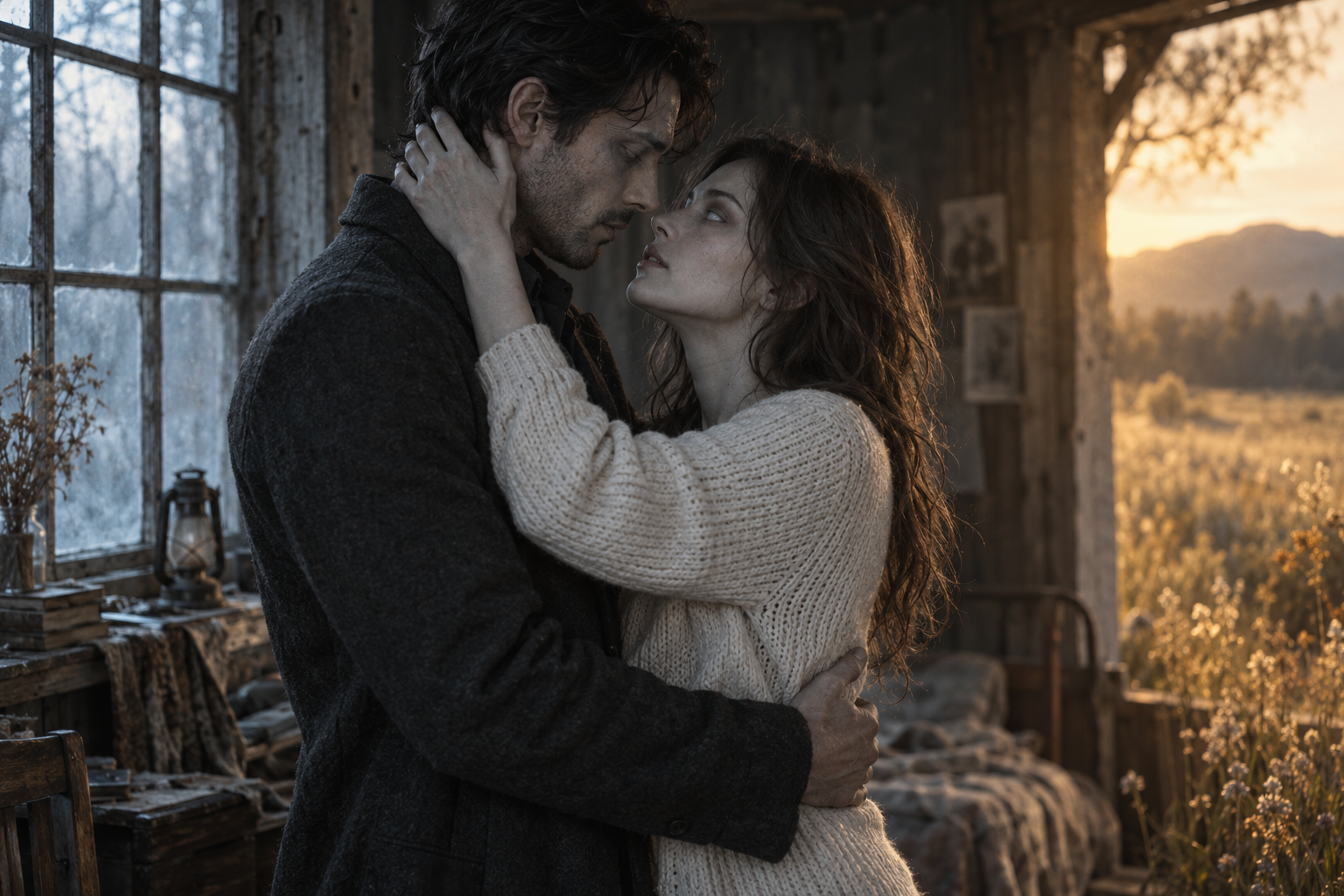
Original concept artwork for mood and composition. Not a video generated from your photos.
01 / Zombie Couple Video
A scene-by-scene starting point for your own story.
An empty street. A familiar figure in the distance. Open with enough space between the characters for the audience to feel the uncertainty.
A glance or a familiar gesture changes the scene. Let recognition happen before the camera moves closer.
The survivor steps forward. Keep the movement gentle and the framing wide enough to read both faces and the beginning of the hug.
Carry the same embrace into a warmer place: a sunlit field, a quiet kitchen, a day before everything changed.
02 / From two photos to a clear creative brief
Choose two clear portraits and assign their roles. They stay local until generation starts.
Pick a scene, choose the frame and add one personal detail to your note.
Review your prompt. Administrators can test video generation; public rendering is coming later.
03 / Zombie Couple
Choose one clear photo of each consenting adult. Even light, visible eyes and an unobstructed face give you a cleaner reference than heavy filters or extreme angles. Use separate portraits so the survivor and zombie roles remain unambiguous.
A short clip has little room for exposition. Prioritize encounter, recognition and embrace; keep the memory transition as the final beat. Avoid asking for a chase, a transformation and a complete reunion at the same time.
Describe the present with cool light and the memory with warm light, but keep the same faces and recognizable clothing. A repeated gesture makes the transition easier to follow than adding another character or location.
04 / FAQ
It is a fictional romantic scene in which a human recognizes someone they love after that person has become a zombie. The emotional turn is usually recognition or an embrace, rather than horror or action.
Video generation is currently available to administrators for testing. You can prepare and copy a prompt.
Assign the person who will appear infected to the Zombie role. Assign the other person to Survivor. Use Swap roles if you want to reverse the story without selecting the files again.
Repeat the same pose on both sides of the transition. For example, hold the embrace as the cold abandoned street changes into a warm field. Keep the faces, clothing and camera angle consistent in your prompt.
No. Pale skin, tired eyes, muted clothing and a deserted setting can establish the fictional zombie character. A restrained look leaves more attention for the recognition and reunion.
MAKE IT PERSONAL
Start with two familiar faces. Give your reunion a shape.
Plan your scene